Full Remote
Power, volume, channel, playback, color buttons, source, home, search, and number controls in one focused surface.
Pair your smart TV, control playback, type faster, cast media, and launch apps from one clean iPhone and iPad remote.
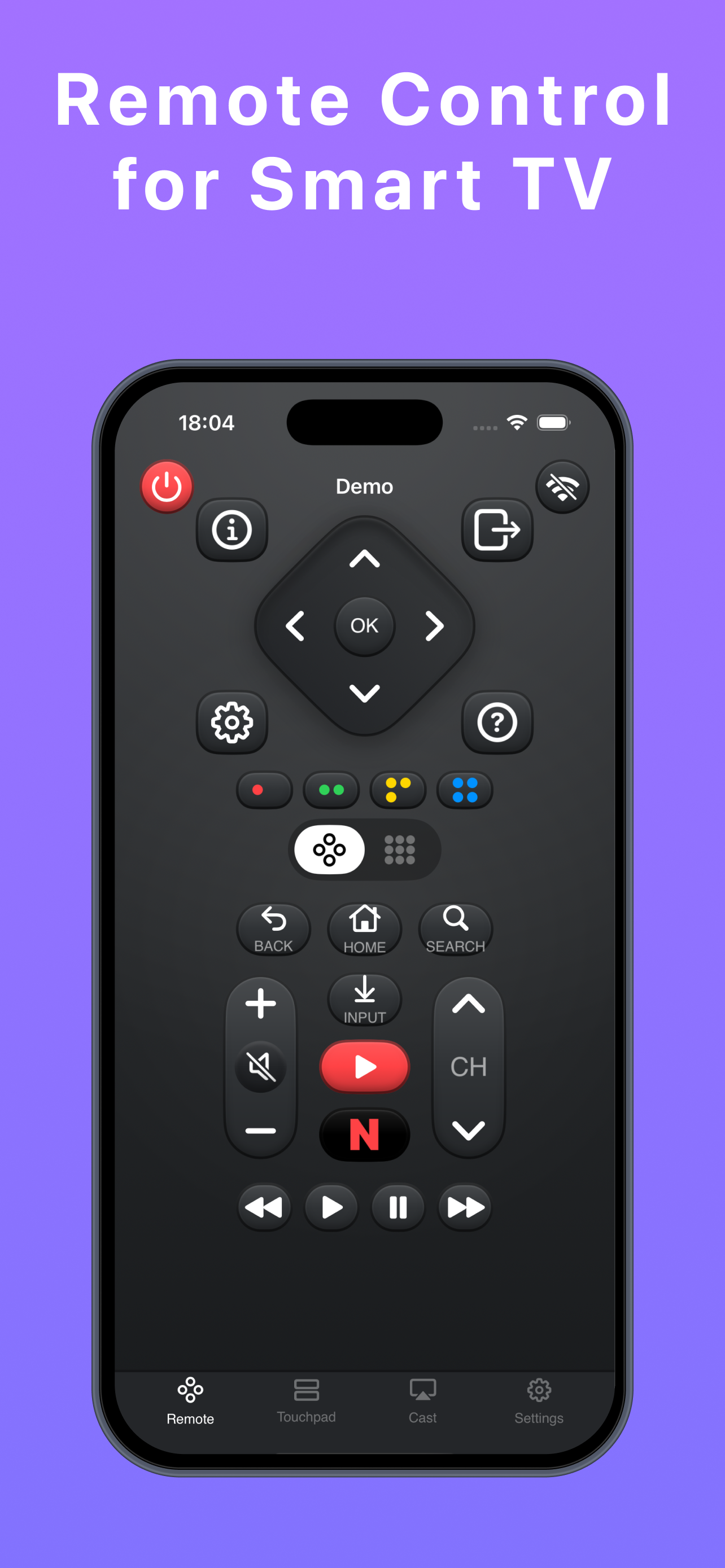
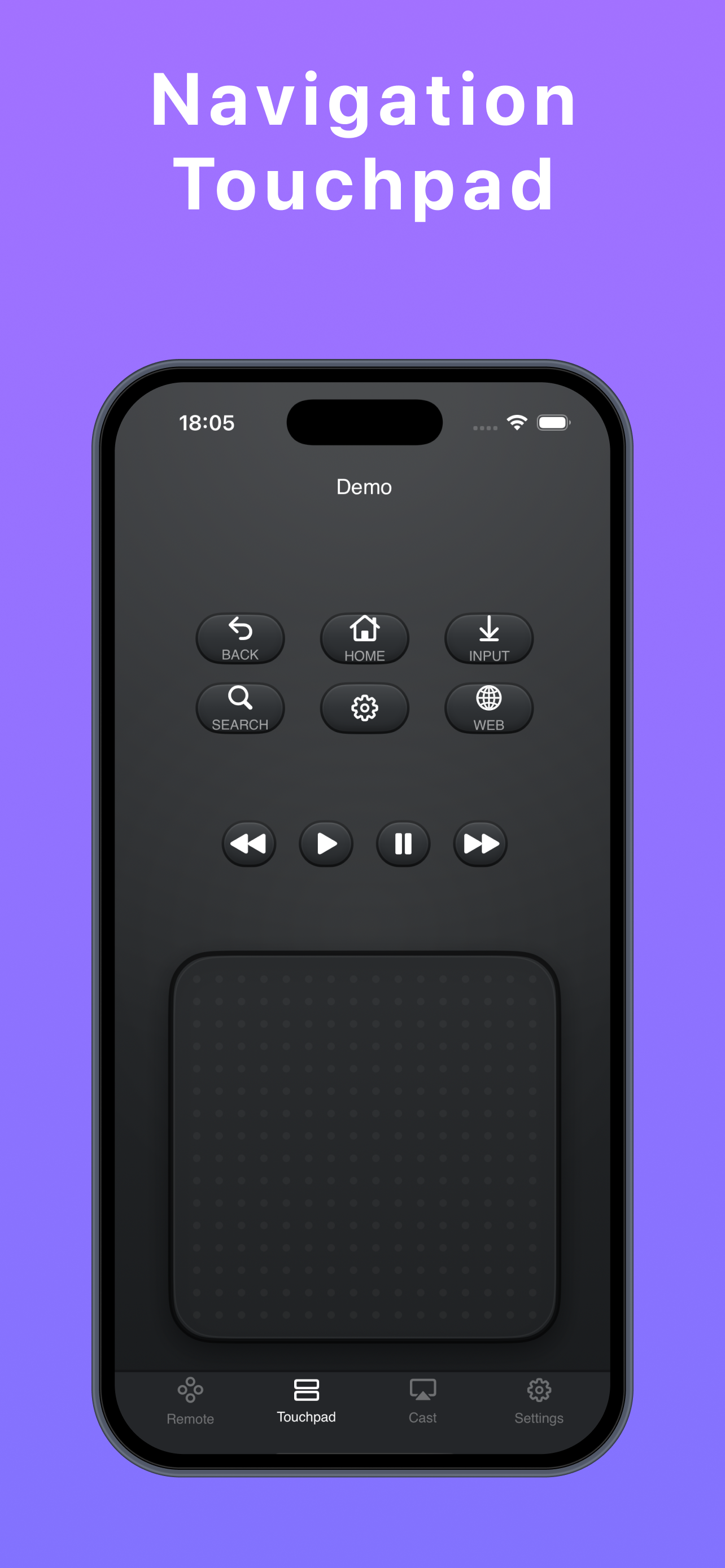
Power, volume, channel, playback, color buttons, source, home, search, and number controls in one focused surface.
Move around your TV with a large navigation touchpad and quick access to common playback actions.
Type search terms and passwords from your phone instead of moving letter by letter on the TV screen.
Cast photos and videos from your library when you want a larger screen for quick sharing.
Keep your phone and TV on the same Wi-Fi network, pair the TV, then use the remote interface without hunting for the physical remote.
Use the same local network as your smart TV.
Follow the on-screen prompt and confirm the pairing code when required.
Use remote buttons, touchpad navigation, keyboard input, and cast controls.
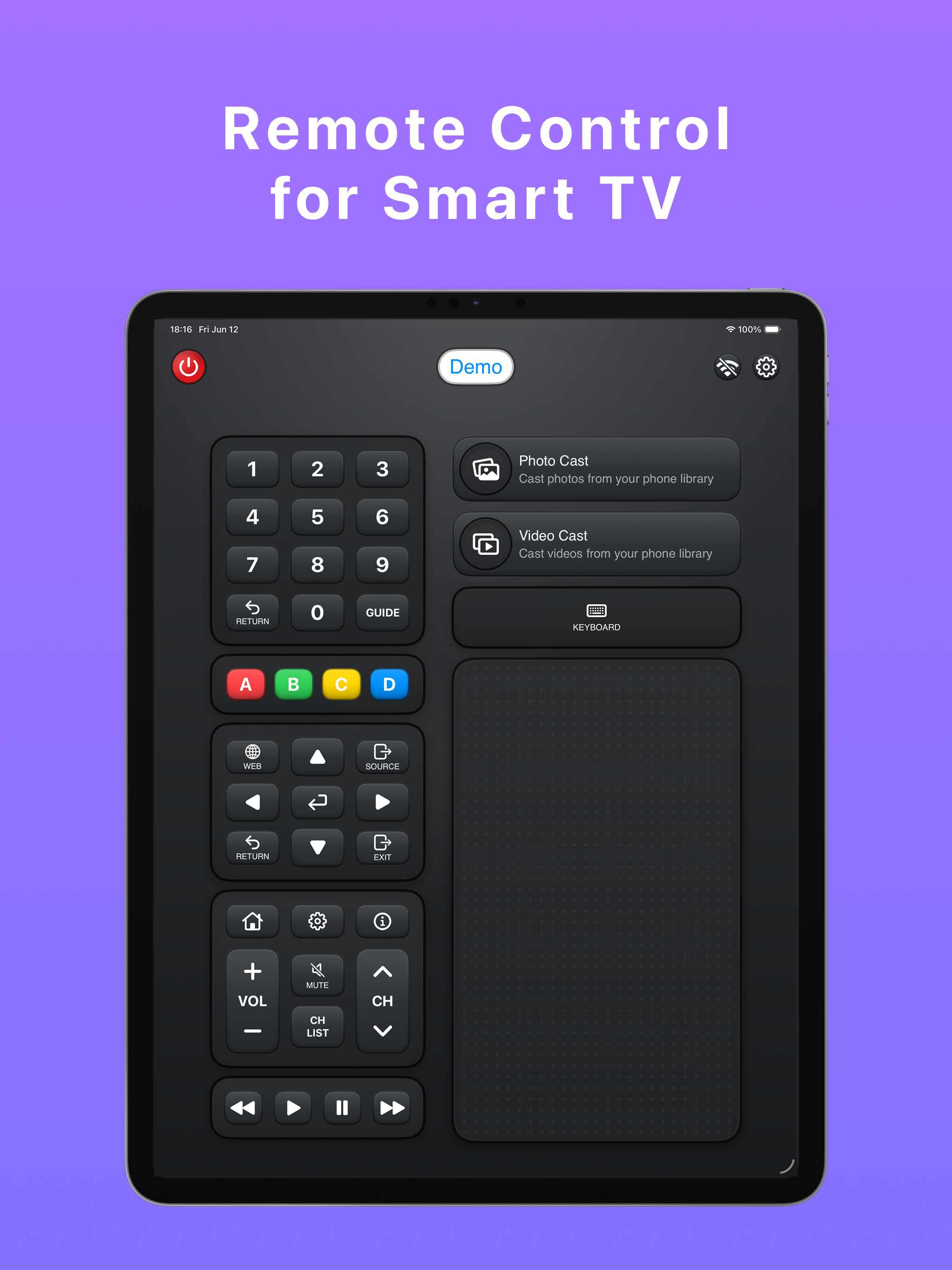
The iPhone layout keeps key controls close to your thumb. The iPad layout spreads remote controls, touchpad, keyboard, and casting into a larger dashboard.
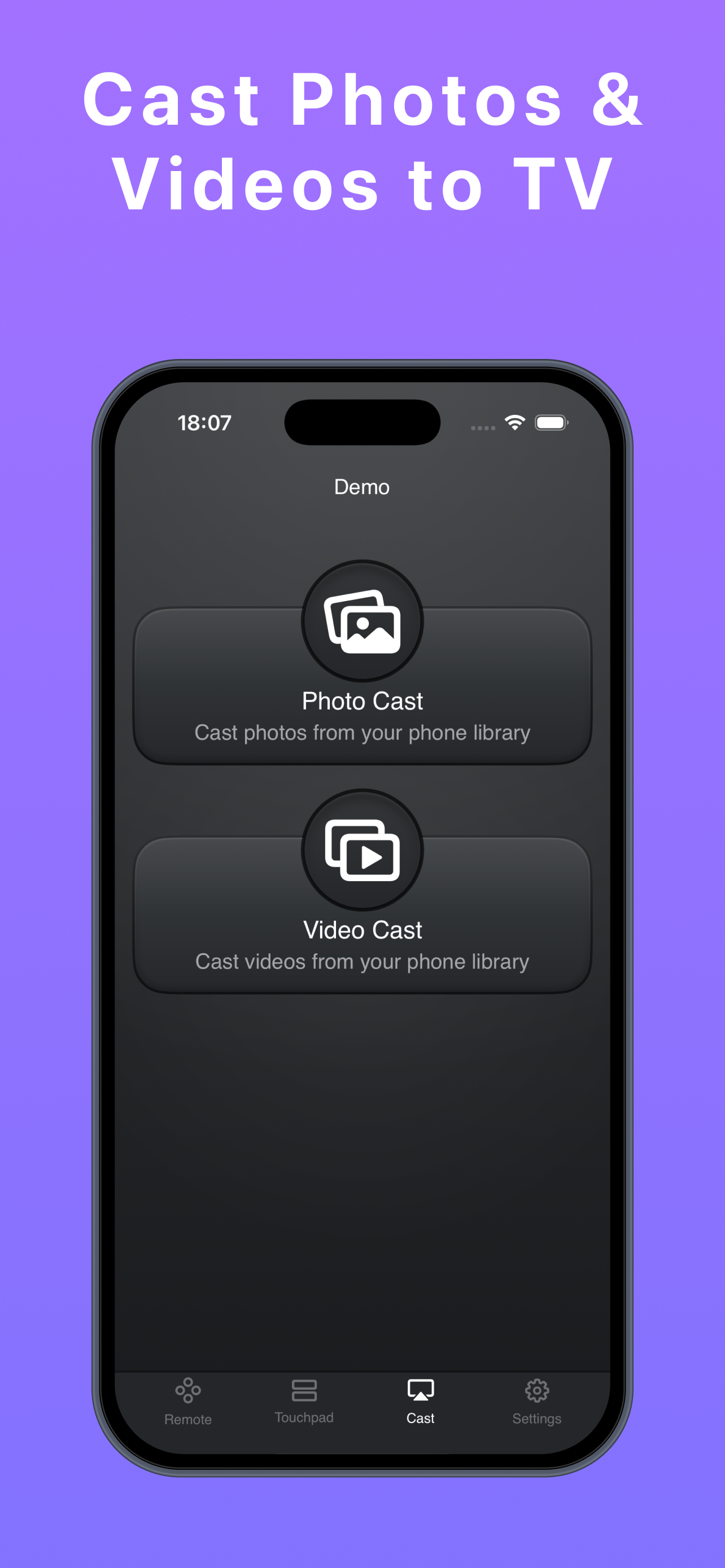
Remote Control is built by Softlian for fast smart TV control on iPhone and iPad. For download details, support, or partnership questions, contact the team.